















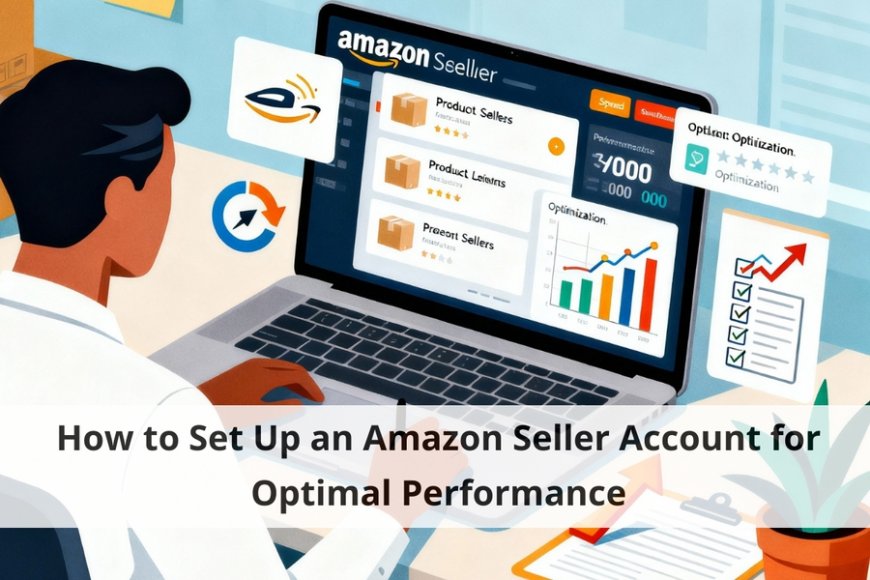
How to Set Up an Amazon Seller Account for Optimal Performance
Learn how to set up your Amazon seller account for optimal performance and maximize your selling potential on the world's largest e-commerce platform.
Are you looking to maximize your selling potential on Amazon? Setting up an Amazon seller account is the first step towards achieving optimal performance on one of the world's largest e-commerce platforms. In this article, we will guide you through the process of setting up your account to ensure that you are set up for success right from the start.
Why Choose Amazon for Selling Your Products?
Why should you choose Amazon as your selling platform? With over 300 million active users, Amazon provides unparalleled access to a vast customer base. By selling on Amazon, you can reach customers across the globe and benefit from the platform's robust infrastructure and logistical support. Additionally, Amazon's reputation for reliability and customer service can help build trust with potential buyers, leading to increased sales and repeat business.
Creating Your Amazon Seller Account
The first step in setting up your Amazon seller account is to visit the Amazon Seller Central website and click on the "Sign Up" button. You will be prompted to enter your email address and create a password for your account. Make sure to choose a strong password that will keep your account secure.
Once you have created your account, you will need to provide some basic information about your business, including your company name, address, and contact information. You will also be asked to verify your identity by providing a valid form of identification.
Choosing the Right Seller Plan
Amazon offers two main seller plans: the Individual plan and the Professional plan. The Individual plan is suitable for sellers who plan to list fewer than 40 items per month, while the Professional plan is ideal for high-volume sellers. Consider your selling goals and the volume of products you plan to list when choosing the right plan for your business.
Setting Up Your Product Listings
Once your account is set up, you can start creating product listings for the items you want to sell. Be sure to provide detailed and accurate descriptions of your products, including high-quality images and relevant keywords. This will make it easier for customers to find your products and make informed purchasing decisions.
Optimizing Your Product Listings
To maximize your sales potential on Amazon, it is essential to optimize your product listings for search visibility. Use relevant keywords in your product titles and descriptions to improve your chances of appearing in search results. Additionally, consider using Amazon's sponsored product advertising to increase visibility for your listings and drive more traffic to your products.
Managing Your Amazon Seller Account
Once your account is up and running, it is essential to monitor your sales and performance metrics regularly. Use Amazon's seller dashboard to track your sales, inventory levels, and customer feedback. By staying on top of your account metrics, you can identify areas for improvement and implement strategies to boost your sales and grow your business on Amazon.
Conclusion
Setting up an Amazon seller account for optimal performance requires careful planning and attention to detail. By following the steps outlined in this article, you can create a successful selling strategy that maximizes your sales potential on one of the world's largest ecommerce platforms. Start selling on Amazon today and take your business to new heights!
By following the steps outlined in this article, you can create a successful selling strategy that maximizes your sales potential on one of the world's largest e-commerce platforms.
Read More: AI Amazon Pricing Tool That’s Crushing Traditional Repricers